Research at BYU-Idaho
Uncovering Critical Gaps in the Student Journey Through UX Research
Uncovering Critical Gaps in the Student Journey Through UX Research
New students at BYU-Idaho were expected to successfully navigate critical tasks like financial aid and course registration—but many didn’t know where to start, which tools to use, or how to get help when they needed it.
UX Research
March 2025
I led a series of research initiatives to deeply understand where students were getting stuck and how we could improve clarity across the onboarding and registration journey.
My Role
I led UX research across OneStop and registration help experiences, planning and conducting studies to uncover breakdowns and areas of confusion in the student journey.
I also mentored two junior designers in research methods—guiding their early interviews and enabling them to independently contribute to data collection and synthesis.
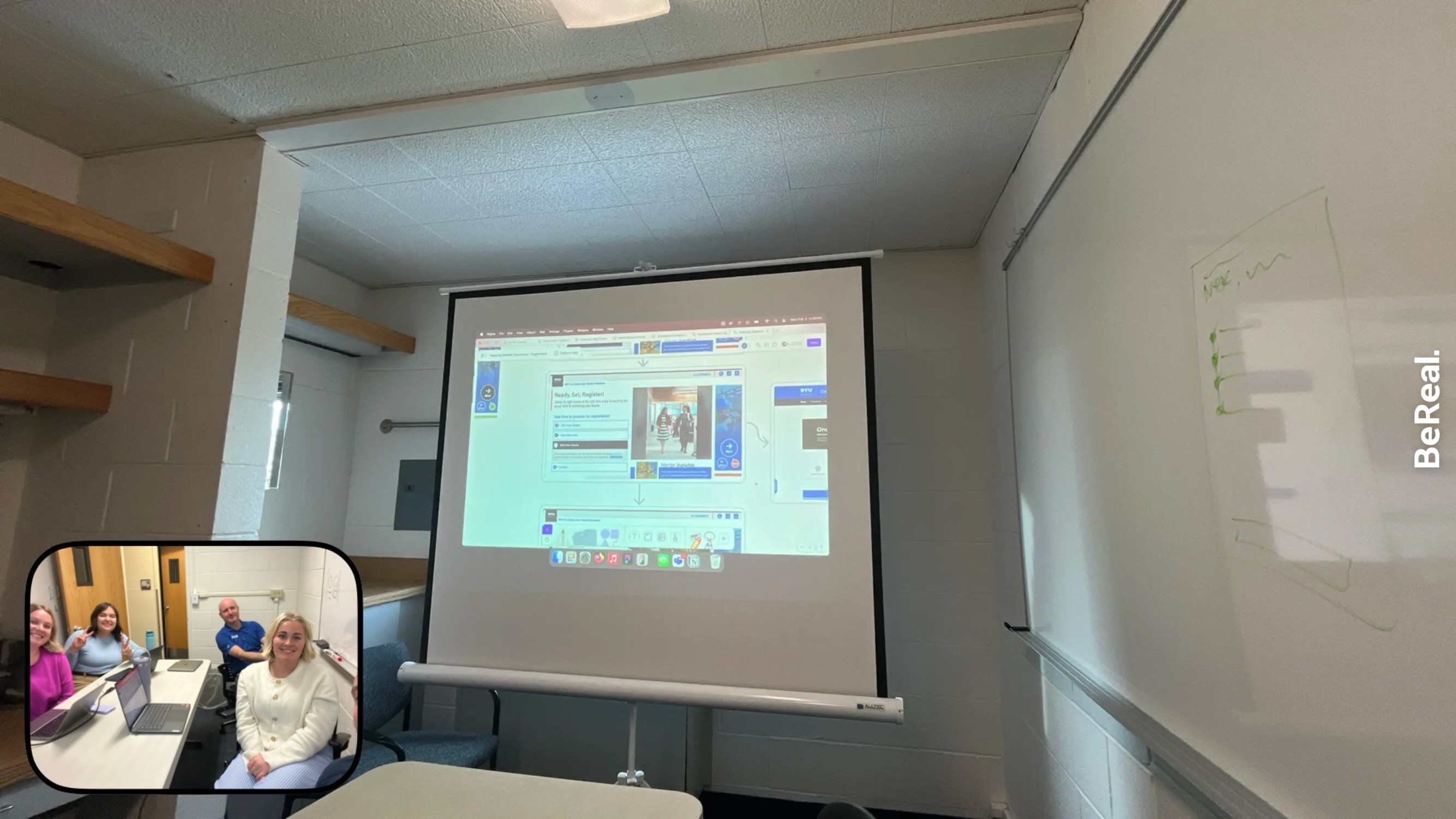
Presenting the Current Registration discovery flow with the team
The Path
To understand both what students said and how they actually behaved, I used a combination of:
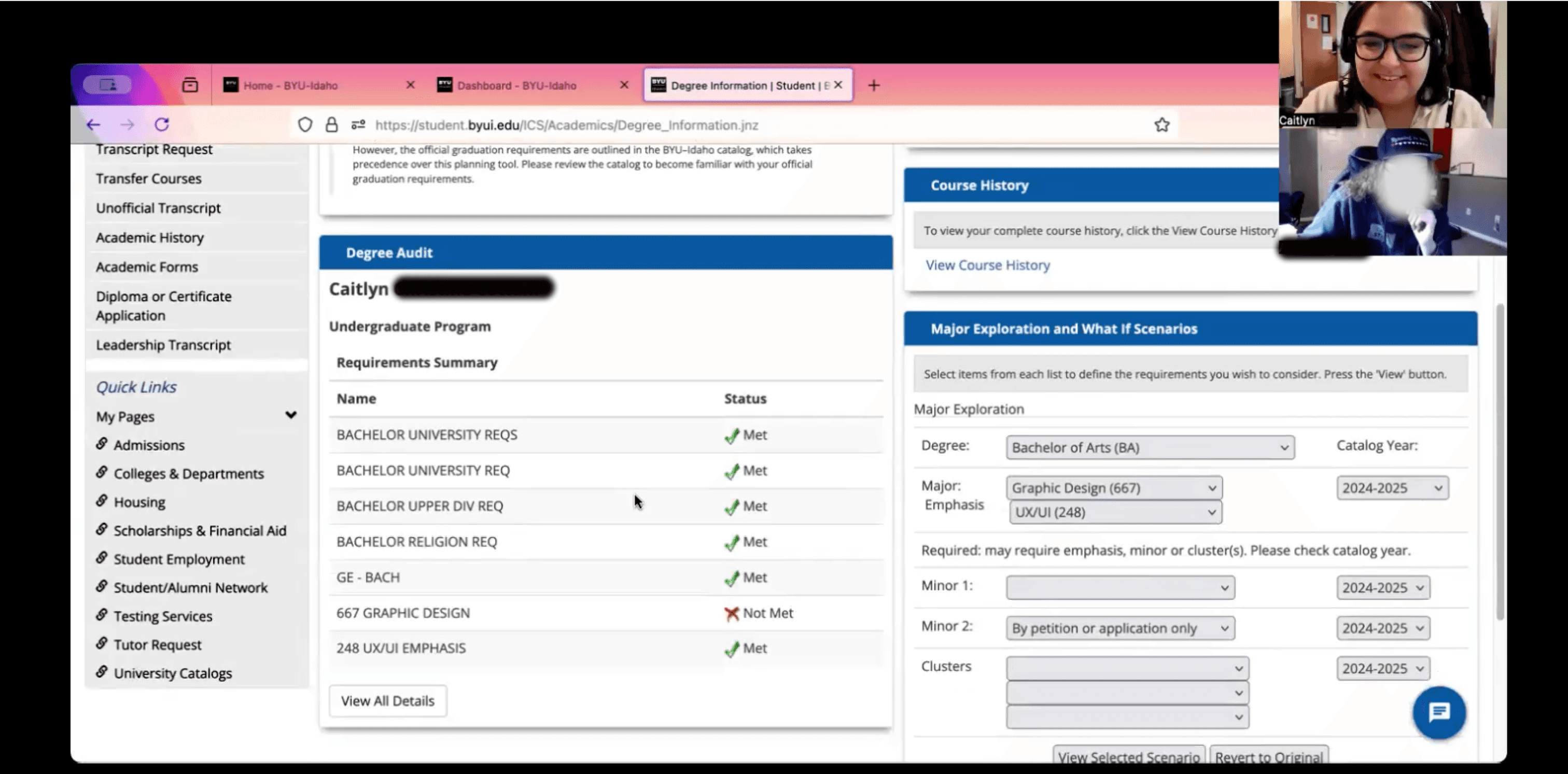
Observational interviews — asking students to walk through their real tasks while explaining their thinking
Task-based usability testing — having students demonstrate how they completed key actions like registration or finding help resources
This approach helped reveal not only pain points, but the gaps between student expectations and how the systems were structured.
What We Discovered
Insight 1 — Discovery failure
Many students were unaware that OneStop existed, meaning critical support resources were invisible at the moment they were needed.
Insight 2 — Navigation breakdown
Students struggled to navigate help sites because the structure didn’t match how they thought about their tasks, forcing them to rely on trial and error or external help.
Insight 3 — Support dependency
Because of these gaps, students frequently defaulted to calling or emailing support, even for self-service tasks.
The Impact
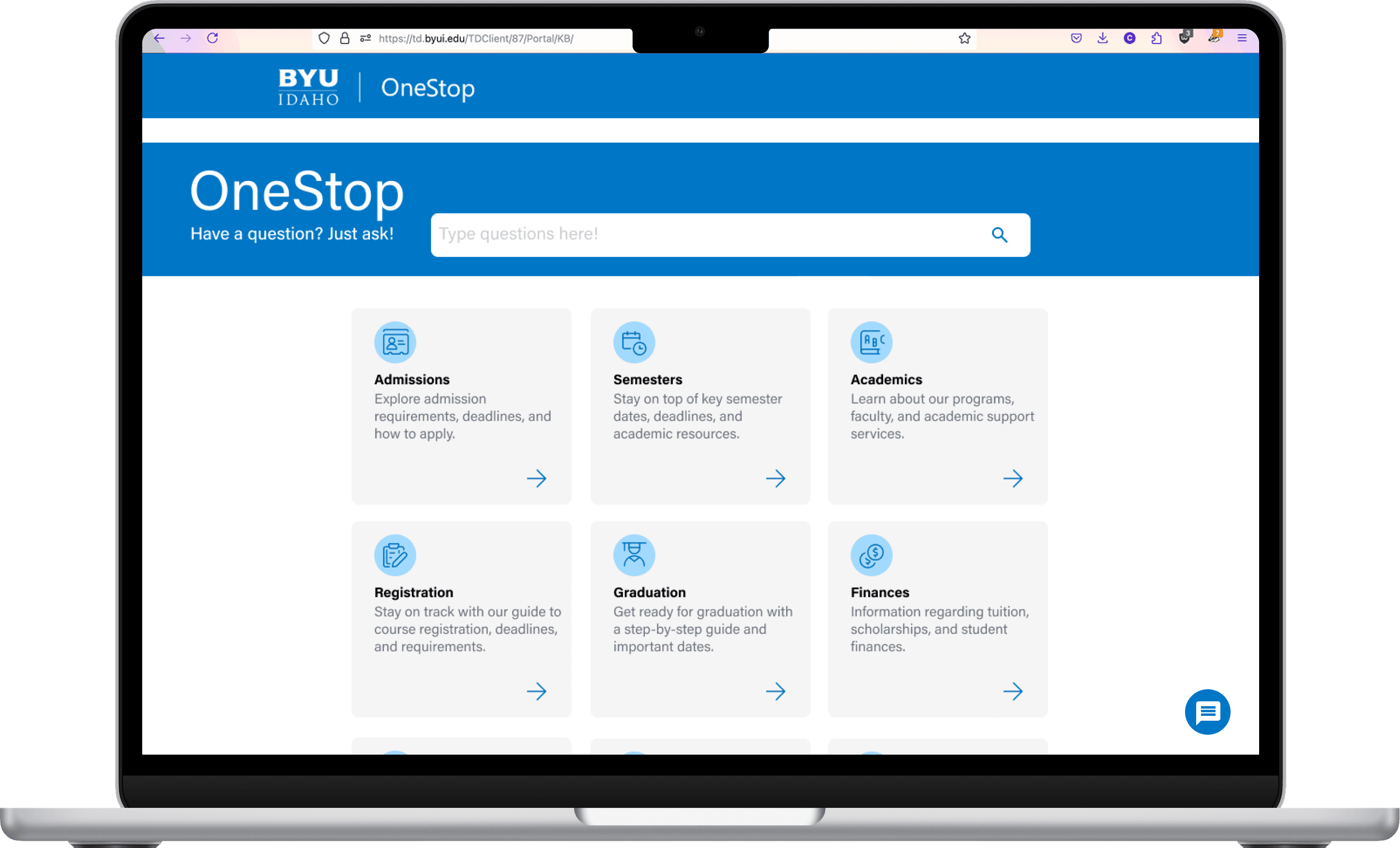
Research findings helped drive improvements to the OneStop homepage, including clearer organization and more cohesive, descriptive iconography.
While not all recommendations were implemented, the research increased visibility into critical usability issues across help sites and informed future design decisions.
Additionally, I created a research presentation template to standardize how insights were shared across the team and to stakeholders.
Reflection
This work reinforced how often students struggle not because tools don’t exist, but because those tools are difficult to find or don’t align with how they think.
I also learned the importance of observing real behavior. Watching students attempt tasks revealed gaps that wouldn’t have surfaced otherwise.
Not every recommendation from the research findings was implemented, but it significantly increased visibility into key usability issues and helped shape future conversations and projects around the student experience.
I found the most value in uncovering user needs and helping teams better understand the people they’re designing for.
Let's Chat!
Let's Chat!
Research at BYU-Idaho
Uncovering Critical Gaps in the Student Journey Through UX Research
New students at BYU-Idaho were expected to successfully navigate critical tasks like financial aid and course registration—but many didn’t know where to start, which tools to use, or how to get help when they needed it.
UX Research
March 2025
Presenting the Current Registration discovery flow with the team
I led a series of research initiatives to deeply understand where students were getting stuck and how we could improve clarity across the onboarding and registration journey.
My Role
I led UX research across OneStop and registration help experiences, planning and conducting studies to uncover breakdowns and areas of confusion in the student journey.
I also mentored two junior designers in research methods—guiding their early interviews and enabling them to independently contribute to data collection and synthesis.
The Path
To understand both what students said and how they actually behaved, I used a combination of:
Observational interviews — asking students to walk through their real tasks while explaining their thinking
Task-based usability testing — having students demonstrate how they completed key actions like registration or finding help resources
This approach helped reveal not only pain points, but the gaps between student expectations and how the systems were structured.
What We Discovered
Insight 1 — Discovery failure
Many students were unaware that OneStop existed, meaning critical support resources were invisible at the moment they were needed.
Insight 2 — Navigation breakdown
Students struggled to navigate help sites because the structure didn’t match how they thought about their tasks, forcing them to rely on trial and error or external help.
Insight 3 — Support dependency
Because of these gaps, students frequently defaulted to calling or emailing support, even for self-service tasks.
The Impact
Research findings helped drive improvements to the OneStop homepage, including clearer organization and more cohesive, descriptive iconography.
While not all recommendations were implemented, the research increased visibility into critical usability issues across help sites and informed future design decisions.
Additionally, I created a research presentation template to standardize how insights were shared across the team and to stakeholders.
Reflection
This work reinforced how often students struggle not because tools don’t exist, but because those tools are difficult to find or don’t align with how they think.
I also learned the importance of observing real behavior. Watching students attempt tasks revealed gaps that wouldn’t have surfaced otherwise.
Not every recommendation from the research findings was implemented, but it significantly increased visibility into key usability issues and helped shape future conversations and projects around the student experience.
I found the most value in uncovering user needs and helping teams better understand the people they’re designing for.